Link or Xtream login
Works with any M3U link, or just your server, username and password.
 M3U Drop
Paste your M3U link or Xtream login, keep only the groups you want, and download a clean .m3u file — even when your provider blocks the M3U download.
Unzip the file, open chrome://extensions, turn on Developer mode and click “Load unpacked”.
Works with any M3U link, or just your server, username and password.
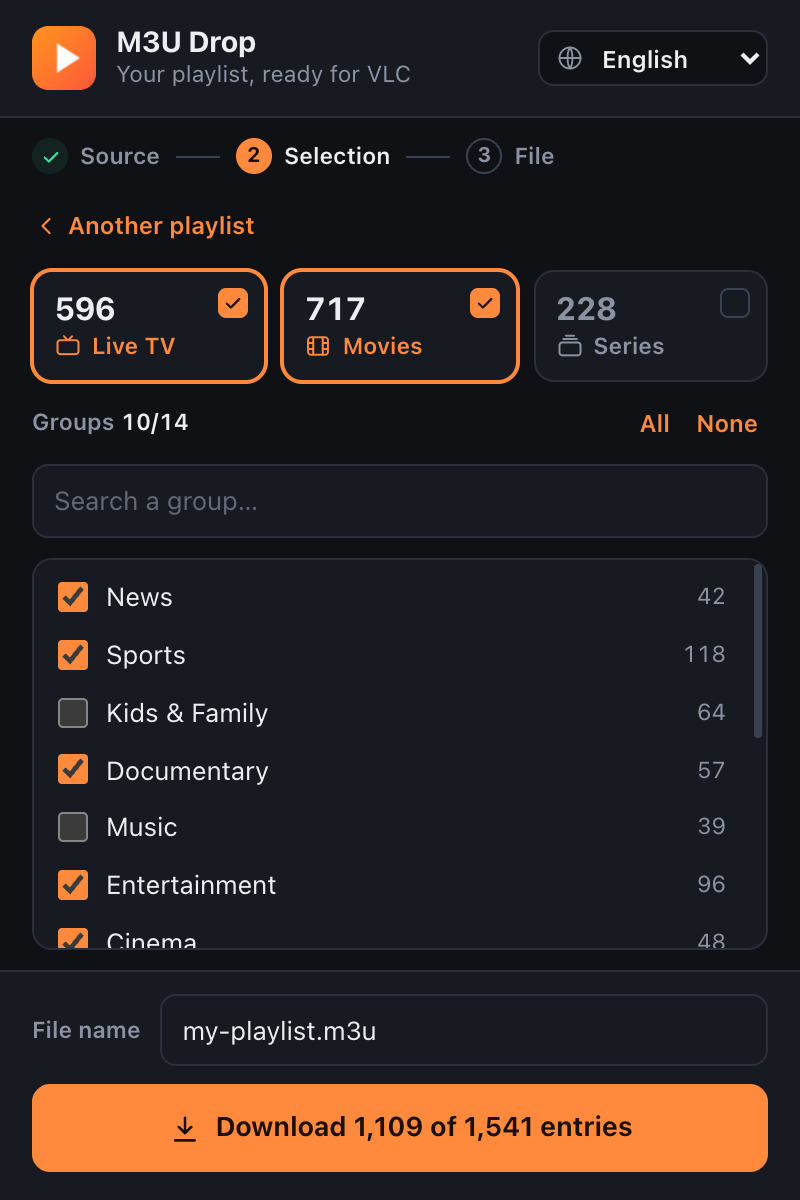
Pick live TV, movies and the groups you want. Smaller file, faster VLC.
If your provider returns an empty file, M3U Drop rebuilds the playlist from its API.
The extension runs on your computer. No account, no tracking, nothing stored on our side.
Open the downloaded file straight in VLC on Windows, Mac or Linux.
The web version does the same job in your mobile browser: analyze, filter and download your .m3u file, then open it in VLC for Android or iPhone.
The web version reaches your provider through our server. Nothing is saved. Some providers block servers — if that happens, use the extension on a computer.
Yes. The extension and the web version are free to use.
No. M3U Drop is only a tool: it works with the playlist you already have from your own provider. It does not provide, host or sell any content.
With the extension, your details go only from your browser to your provider. Recent links are saved on your device and you can clear them at any time.